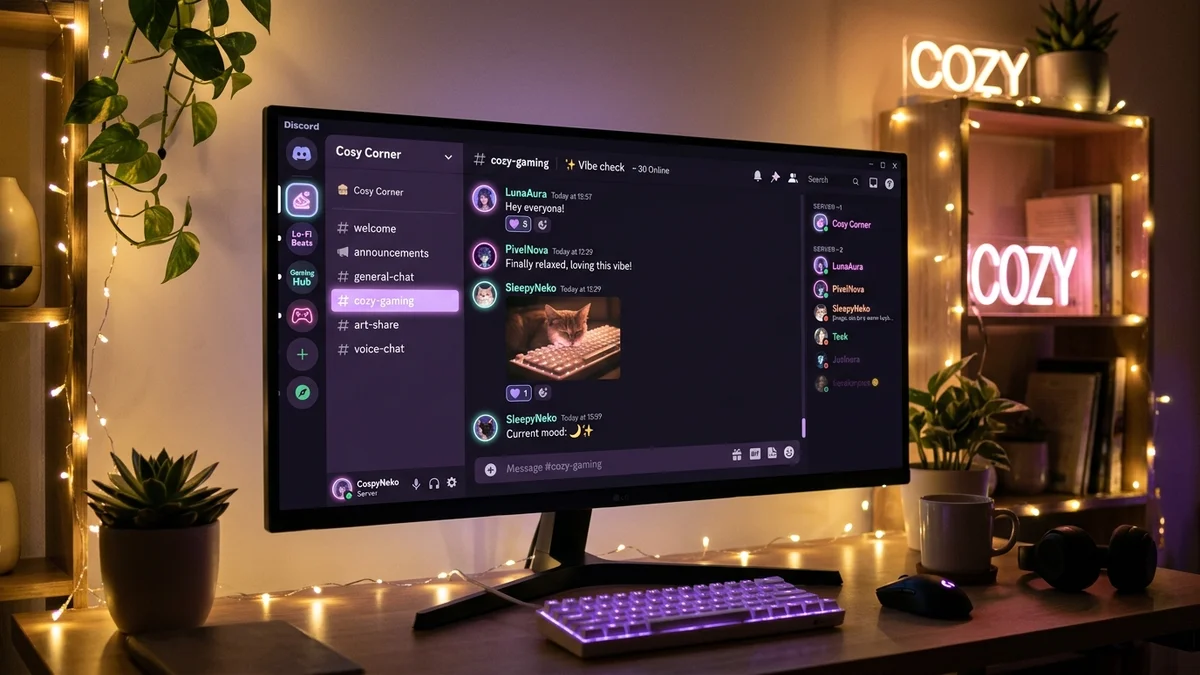
Turning a plain, utilitarian Discord server into a cozy, aesthetic sanctuary makes an enormous difference for community growth and engagement. Whether you are building an anime fan hub, a chill gaming hangout, a virtual study cafe, or a personal server for friends, an aesthetic layout makes visitors feel instantly welcomed.
Because Discord limits text channels to lowercase characters and hyphens, the secret to aesthetic server design lies in Unicode symbol prefixes, creative category dividers, and harmonious role color palettes.
In this complete step-by-step guide, you will find 100+ copy-paste aesthetic channel names, cute role ideas with symbols, formatting templates for server rules, and the best aesthetic bots to bring your community to life.
1. Aesthetic Discord Channel Names (Copy & Paste)
Discord text channels automatically convert spaces to hyphens (-). To create an elevated, editorial look, seasoned server designers use delicate symbols like the middle dot (﹒), floral separator (┊), or sparkle (✦) as spacers.
Welcome & Information Channels
These channels set the tone. Group them under a clean header like ୨⎯ welcome ⎯୧ or ─── ・ 。゚☆: information :☆゚. ───:
| Channel Name with Symbols | Purpose | Vibe |
|---|---|---|
┊✦﹒rules | Server Guidelines | Minimal Stars |
┊❀﹒welcome | Member Welcomes | Soft Floral |
┊✧﹒announcements | Server News | Celestial Sparkles |
┊୨୧﹒roles | Reaction Roles | Coquette Bow |
┊📌﹒server-guide | Server Overview | Informational |
┊✨﹒boosters | Server Perks & Thanks | Shimmering Star |
┊🔗﹒links-and-socials | Affiliate / Social Links | Minimalist |
General Community & Chat Channels
Where your community spends 90% of their time:
| Channel Name with Symbols | Theme | Category |
|---|---|---|
💬﹒general-chat | Main Conversation | Chat |
☕﹒cafe-corner | Cozy Chit-Chat | Study / Hangout |
🌸﹒soft-talk | Gentle / Wholesome Chat | Soft Girl / Coquette |
📷﹒photo-dumps | Real Life Photos & Outfits | Media |
🧸﹒cozy-room | Casual / Daily Thoughts | Whimsical |
🎨﹒creative-art | Art, Drawings & OC Showcases | Creative |
📖﹒study-lounge | Pomodoro & Study Sessions | Productivity |
💭﹒vent-and-advice | Safe Space & Comfort | Support |
🤖﹒bot-commands | Spam & Gaming Bots | Utility |
Aesthetic Voice Channels (VCs)
Voice channels allow standard spaces and uppercase letters, giving you total creative freedom to use brackets (꒰ ꒱) and emoji combinations:
| Voice Channel Name | Atmosphere |
|---|---|
꒰ 🎧 ꒱ lofi beats 24/7 | Study & Relaxation |
꒰ ☕ ꒱ quiet cafe | Low-Volume Chat |
꒰ 🌙 ꒱ midnight talks | Late Night Conversations |
꒰ 🎮 ꒱ gaming duo | 2-Player Locked Room |
꒰ ⚔️ ꒱ squad gaming | Multiplayer Gaming |
꒰ 🎬 ꒱ movie night | Screen Share Streaming |
꒰ 💤 ꒱ sleep call | Muted Sleep Channel |
Pro-Tip: Grab additional star clusters and ribbon accents from our aesthetic symbols copy and paste catalog to personalize your channel titles.
2. Aesthetic Discord Role Ideas with Symbols
Roles give your members identity and status while creating visual harmony in the sidebar member list. Adding small symbols to role names elevates their look instantly.
Staff & Hierarchy Roles
Make your moderation team look approachable yet distinguished:
| Role Name | Suggested Role Color | Hex Code |
|---|---|---|
✧ owner ✧ | Soft Lilac | #C4B5FD |
✦ admin ✦ | Pastel Peach | #FDBA74 |
ʚ moderator ɞ | Sage Green | #A7F3D0 |
୨୧ event host ୨୧ | Baby Pink | #FBCFE8 |
★ helper ★ | Butter Yellow | #FEF08A |
Member Tier & Leveling Roles
Reward your active community members with evocative celestial or botanical titles:
| Role Title with Symbols | Member Milestone | Aesthetic Style |
|---|---|---|
˚₊· veteran ·₊˚ | Level 50+ / 1-Year Member | Celestial Vintage |
⋆ regular ⋆ | Level 25+ Active Chatted | Minimal Stars |
☁ resident ☁ | Level 10+ Daily Chatter | Soft Dreamcore |
🌱 sprout 🌱 | New Member | Cottagecore Nature |
☕ cafe regular ☕ | Active in Chat | Cozy Warm |
💎 server booster | Nitro Server Booster | Luxury Shimmer |
Aesthetic Color Roles Palette
Allow members to choose their own color role via reaction bots. Here is an editor-tested cohesive pastel palette:
| Role Name | Color Vibe | Hex Code |
|---|---|---|
🌸 sakura | Dusty Pink | #F472B6 |
🍓 strawberry | Soft Berry Coral | #FB7185 |
🍊 peach | Warm Apricot | #FB923C |
🍯 honey | Golden Sunlight | #FBBF24 |
🌿 matcha | Muted Sage Green | #4ADE80 |
🌊 ocean | Pastel Sky Blue | #38BDF8 |
🫐 lavender | Dreamy Lilac | #818CF8 |
☕ espresso | Dark Academia Mocha | #78350F |
3. Aesthetic Category Dividers & Layout Blueprints
Discord categories act as the structural spine of your server. Using Unicode line dividers between categories turns a messy text list into an editorial magazine layout:
Example Category Headers:
▼ ୨⎯ INFORMATION ⎯୧
# ┊✦﹒rules
# ┊❀﹒welcome
# ┊✧﹒announcements

▼ ୨⎯ COMMUNITY ⎯୧
# 💬﹒general-chat
# ☕﹒cafe-corner
# 📷﹒photo-dumps

▼ ୨⎯ VOICE LOUNGE ⎯୧
🔊 ꒰ 🎧 ꒱ lofi chill
🔊 ꒰ 🌙 ꒱ midnight talks
Copyable Divider Lines for Rules & Welcome Embeds:
For rule descriptions, embed announcements, and welcome greetings, horizontal dividers prevent text from cluttering together:
•❅──────✧❅✦❅✧──────❅•─── ・ 。゚☆: *.☽ .* :☆゚. ──────────────୨୧────────────────── ⋆⋅☆⋅⋆ ───────
Discover more: Explore over 230+ pre-formatted dividers in our decorative lines with symbols guide, or check aesthetic waves and ripple dividers for sea-themed servers.
4. Best Aesthetic Bots for Discord
The right bots keep your server organized, provide automated reaction roles, play soothing background music, and post beautiful welcome embeds:
- Carl-bot / Dyno (Embeds & Reaction Roles):
- Essential for creating custom color embeds with pastel hex codes.
- Sets up clean button or reaction-based role selection in your
#roleschannel.
- Karuta / Mudae / Tatsu (Anime & Community Economy):
- High-engagement anime card-collecting and virtual pet games.
- Adds interactive mini-games that give members reasons to chat daily.
- Lofi Girl / Jockie Music (Music Streaming):
- Streams 24/7 lofi hip-hop and chill ambient music into designated voice channels.
- Disboard (Server Discovery):
- Lists your aesthetic server on public directories so new members can find and join your community.
5. Step-by-Step: How to Name Channels with Symbols
- Copy Your Symbol: Select any symbol or channel spacer from this guide (e.g.,
┊,﹒,✦,୨୧, orʚ). - Open Discord: Right-click your server icon (or long-press on mobile) and select Server Settings ➔ Channels (or click the + icon beside any category).
- Format the Channel Slug:
- Start with your chosen symbol prefix:
┊✦﹒ - Type your channel topic in lowercase:
general-chat - Complete channel name:
┊✦﹒general-chat
- Start with your chosen symbol prefix:
- Save: Click Create Channel. Discord will preserve your custom Unicode symbols without altering layout alignment!
6. Pro Tips for Keeping Your Server Aesthetic Long-Term
- Stick to 1–2 Symbol Styles: Mixing stars (
✦), bows (୨୧), and gothic crosses (†) in the same channel category creates visual noise. Choose one unified theme (e.g., all stars or all floral dividers). - Keep Category Names Short: Long category names truncate on mobile Discord screens. Aim for 12–16 characters maximum.
- Match Your Server Icon & Banner: Use a soft GIF or high-resolution minimalist illustration that mirrors your server’s primary color palette (e.g., pastel pink, matcha green, or midnight dark mode).
- Format Announcements with Custom Fonts: Use styled headers like
𝒲ℯ𝓁𝒸ℴ𝓂ℯor𝒜𝓃𝓃ℴ𝓊𝓃𝒸ℯ𝓂ℯ𝓃𝓉𝓈generated with our aesthetic font generator to make critical server news stand out.
For additional inspiration on profile styling, check out our guide on how to create an aesthetic bio or find cute username handles in our aesthetic Roblox names guide.